 Flamingo
AI virtual try-on is accurate for how an outfit looks on you and unreliable for how it fits. Image-based try-on apps such as Flamingo, Google's "Try it on" and most try-on apps in the App Store generate a new picture of you wearing the clothes. They are good at colour, pattern, length, layering and whether pieces work together, because those can all be seen in the source images. They don't know your measurements or how the fabric stretches, so they can't tell you whether a size will be tight across the shoulders or long in the leg. Measurement-based tools are a different kind: a few retailers have trialled 3D avatars built from your body measurements to recommend a size, but those only cover that shop's own clothes. The practical rule is to use an AI try-on to decide whether you like a look on you, then use the shop's size guide to choose the size.
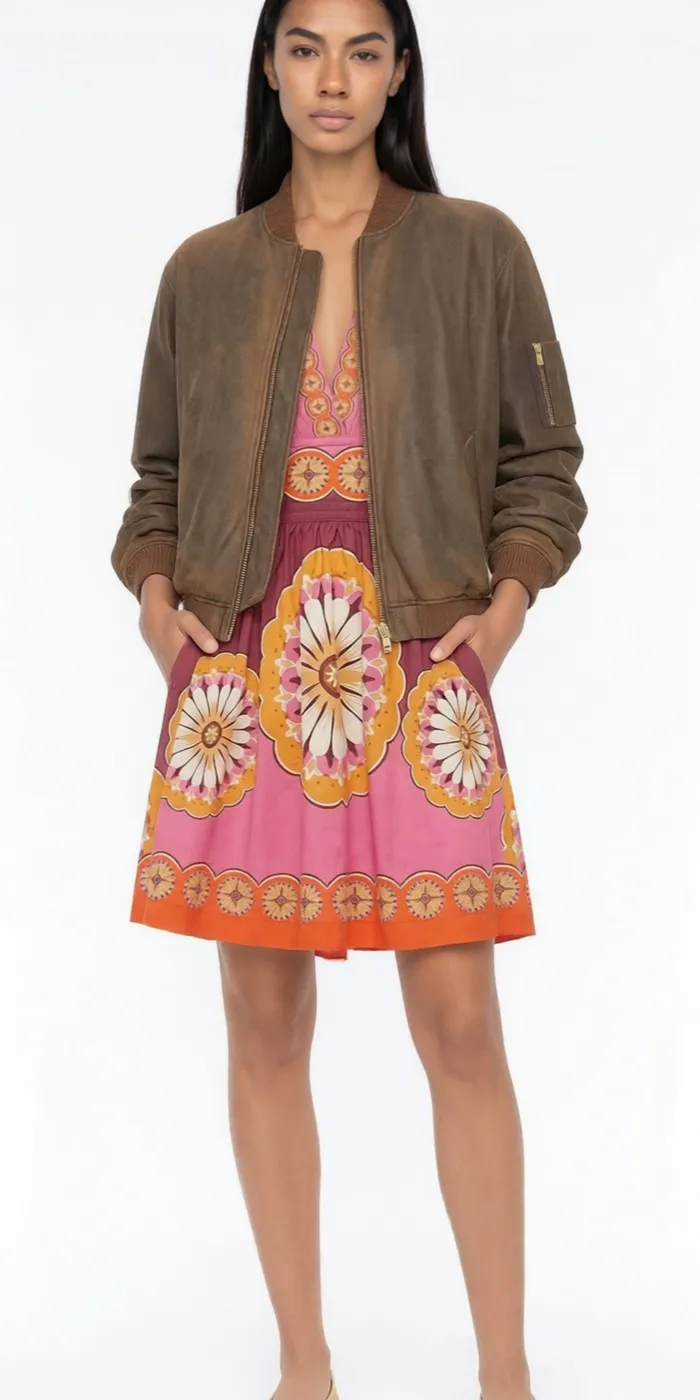
What does an AI try-on get right?
- Colour next to your skin, hair and eyes. The clearest use. A colour that looks good on a model can wash you out.
- Pattern and texture. Stripes, checks, prints and knits carry over from the product image.
- Length and proportion. Cropped or long, high-rise or low, oversized or slim, and how that balances on your build.
- Full outfits. How a top, trousers, shoes and accessories look together, which a single product photo can't show.
What does it get wrong?
- Size and fit. It doesn't know your measurements or the garment's, so it can't predict tightness, gaping or where a seam sits.
- Drape and stretch. It guesses how a fabric falls from one photo. A clingy jersey and a stiff cotton can look alike.
- Details hidden in the source image. If a pocket, the back or the hem isn't visible, the AI has to invent it.
- Exact shade. Screen settings and the shop's own lighting change colour, as they do for any online photo.
Why do results vary between apps?
The biggest factor is the picture of you. Apps that work from one photo redraw you every time, so your face and the pose can drift between looks. Apps that build an avatar keep you consistent. Flamingo builds your twin from two photos, a selfie for the face and a head-to-toe shot for the body, and every try-on uses that same twin in the same pose and light. That makes two outfits easier to compare, because only the clothes change.
How do I get the most accurate try-on?
- Use good photos of yourself. Even light, facing the camera, only you in the frame, and your whole body in the full-length shot.
- Use clear clothing images. The whole garment visible, a plain background, no text over it, full resolution.
- Try full outfits. Pair new pieces with shoes and trousers you actually wear.
- Compare, don't judge one image. Look at two or three versions side by side.
- Check the size guide. Then order the size the shop recommends for your measurements.
Is virtual try-on worth using?
Yes, for deciding what to buy and what to wear. Choosing a colour, cut or outfit before you order means fewer pieces that look wrong when they arrive. It won't replace a fitting room for fit. To see it on yourself, make a free twin in Flamingo, or compare options in the best virtual try-on apps in 2026.