 Flamingo
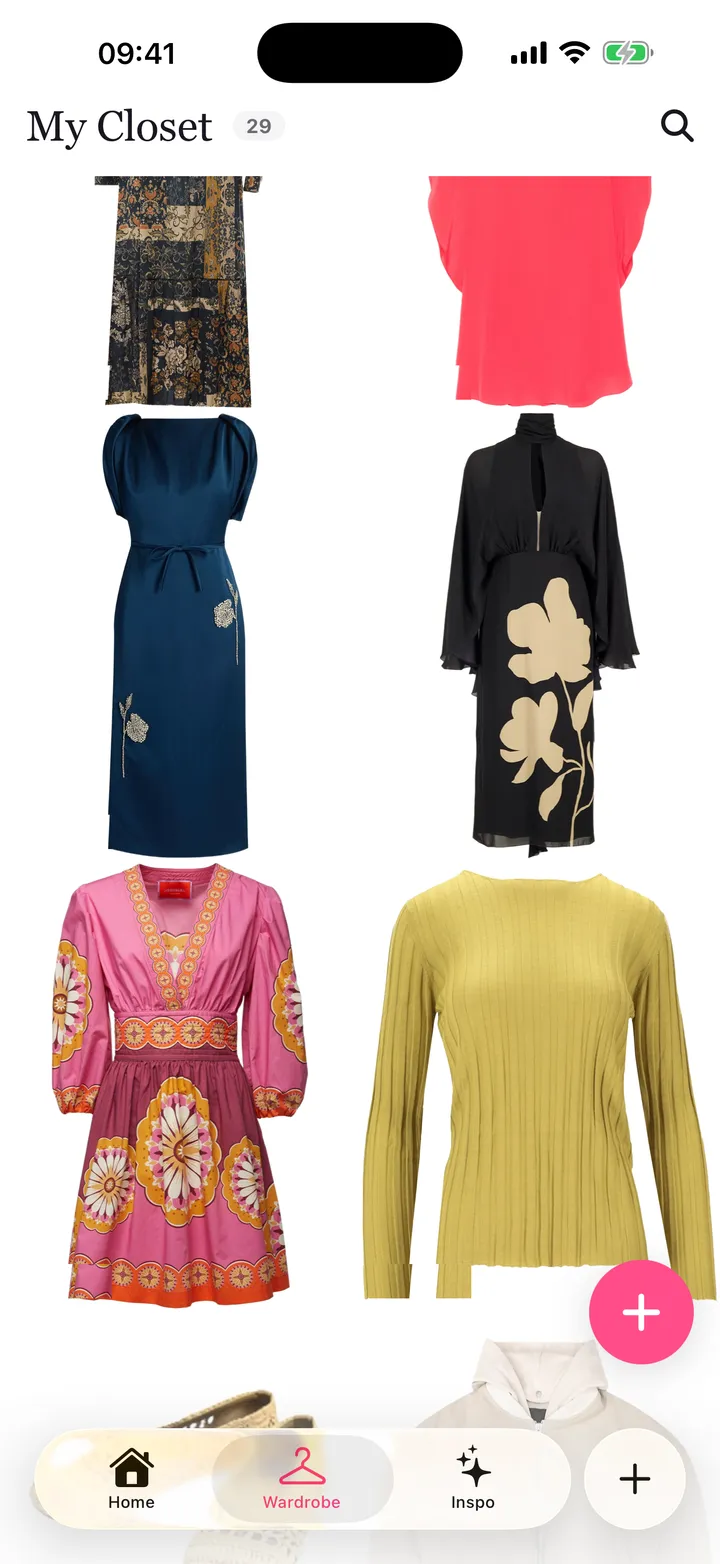
To try on clothes from a screenshot, you need an app that can lift the garment out of the picture and put it on an image of you. In Flamingo you add the screenshot to your closet, and Flamingo finds each piece in it, cuts it out and tags it. That works on a product photo from a shop, and also on a photo of someone wearing a full outfit, such as a post you saved from Instagram, TikTok or Pinterest: the top, the trousers and the shoes come out as separate pieces. You then put them on your twin, a free AI avatar that Flamingo builds from a selfie and a head-to-toe photo of you, and see the look on yourself. On iPhone you can send up to five screenshots at once from the share sheet. In a browser at app.tryflamingo.app you upload them instead. Making the twin is free. Try-ons come with Flamingo Pro.
How do I try on clothes from a screenshot?
- Make your twin once. Open Flamingo on iPhone or at app.tryflamingo.app, add a selfie and a head-to-toe photo, and Flamingo builds your twin in about a minute. You don't need an account.
- Add the screenshot. On iPhone, open the screenshot in Photos, tap Share and pick Flamingo. In the app or on the web, add a piece to your closet and choose the screenshot from your photos.
- Let Flamingo split it. Each garment it finds becomes its own closet item with a clean cut-out, a category and colours.
- Try it on. Pick one piece, or combine it with clothes you already own, and your twin wears the outfit. Drag the slider to compare before and after.
Which screenshots work best?
- One clear outfit per picture. A single person, or a single product on a plain background, gives the cleanest cut-outs.
- The whole garment in frame. If the hem or sleeves are cropped, Flamingo has to guess what's missing.
- No text over the clothes. Crop out price tags, captions and stickers before you share.
- Good light and true colour. Heavy filters change the colour of the piece you get back.
- Full size, not a thumbnail. Open the product image before you take the screenshot.
Can I try on an outfit I saw on Instagram, TikTok or Pinterest?
Yes. Take a screenshot of the post and add it to Flamingo. If the person in it is wearing several pieces, Flamingo separates them, so you can try the whole outfit or only the jacket, or wear the jacket with jeans you already own.
Do I have to save screenshots to my camera roll first?
You take a screenshot as usual, which saves it to Photos. On iPhone you can then share it to Flamingo straight from the screenshot preview or from Photos. Flamingo's share extension accepts images, up to five at a time. It doesn't read links, so share the picture rather than the web address.
What can't a screenshot try-on tell me?
A try-on is an AI image. It shows colour, proportion and how pieces look together on you, but it can't tell how a size fits, how stretchy the fabric is or how it feels. Check the shop's size guide before you buy. Read more about how accurate virtual try-on is.
Is it free?
Making your twin and adding screenshots to your closet is free. Putting clothes on your twin needs Flamingo Pro, an optional subscription. See the virtual try-on guide and the FAQ for details.