 Flamingo
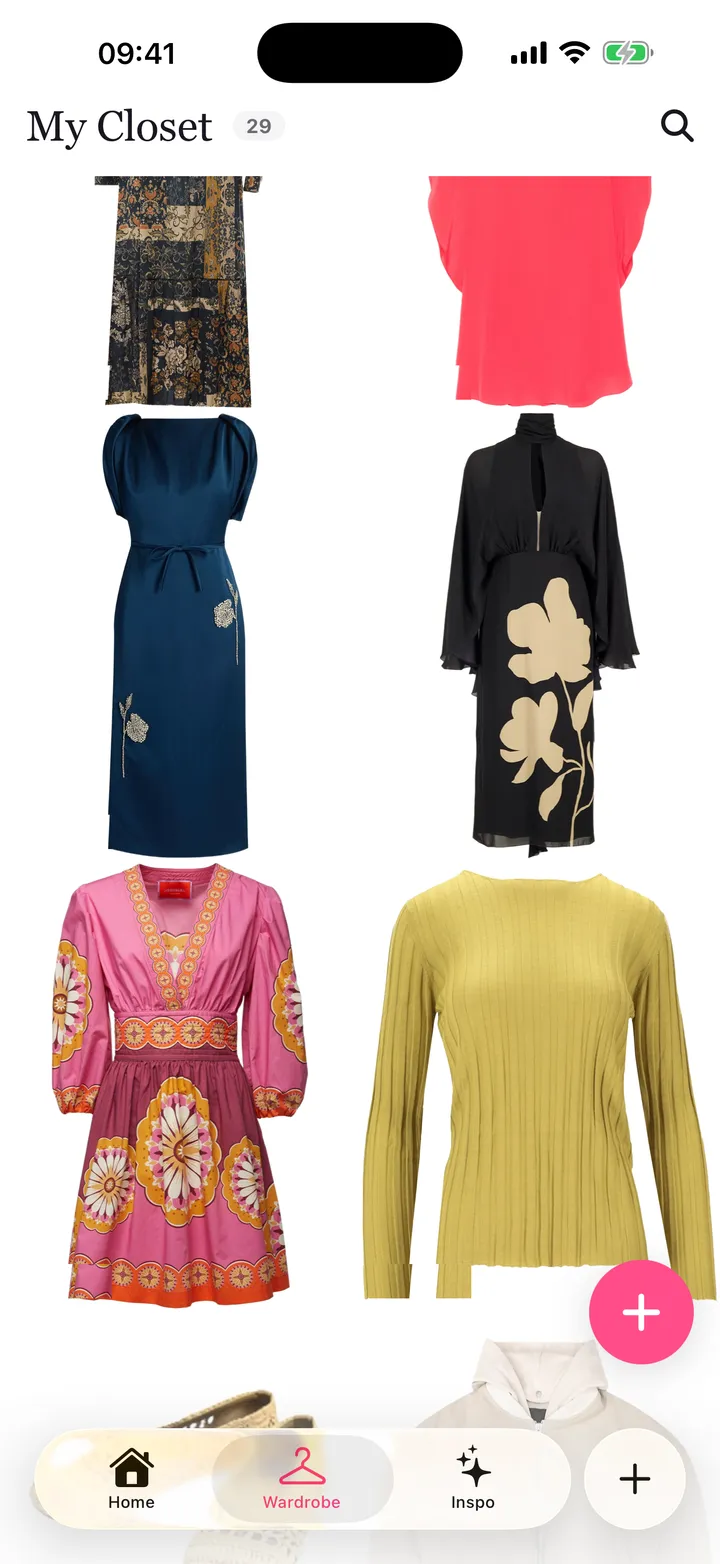
To find new outfit ideas from clothes you already own, start from one piece you like and build around it. Pair it with a different bottom, add a layer you'd never thought of, or change the shoes. Then check the colours and proportions together. Most people wear a small share of their wardrobe, and that's usually not because the rest is wrong. It's because they can't picture the combinations in the morning. Flamingo helps with this. Photograph your clothes once and they become a digital wardrobe. The outfit builder then completes a look around any piece you choose, the outfit generator styles your clothes for an occasion, and you can try each new combination on your twin, a free AI avatar of you, before you put it on.
How do I make new outfits from my own clothes?
- Pick one piece you want to wear more. A printed shirt, a jacket you bought and never wear, trousers that only go with one top.
- Change one thing at a time. Keep the piece and swap the bottom, then the shoes, then the layer. Small changes give you several outfits from one start.
- Use a simple colour rule. One colour plus neutrals, two colours that sit next to each other on the colour wheel, or matching tones from head to toe all work. See how to choose colours that go together.
- Play with proportion. A loose top looks good with slim trousers, and a fitted top suits wide trousers. A tucked shirt shows the waist; an untucked one relaxes the look.
- Mix dressy and casual. A blazer over a T-shirt, trainers with tailored trousers, a knit over a silk skirt.
- Save what works. Take a photo, or save the outfit in an app, so the idea isn't lost by next week.
How does Flamingo find outfit ideas in my closet?
- Outfit builder: pick one or more pieces, add a vibe or a season, and Flamingo fills in the rest from your closet.
- Outfit generator: choose an occasion, such as work, a date, a party, travel, an interview or a wedding, plus the weather and your mood, and Flamingo styles a full look.
- Today's pick: a daily outfit from your closet for the local weather.
- Inspo: browse outfits other people have shared for ideas, and try them on your twin.
Each suggestion only uses pieces you own, unless you choose to add shop pieces.
Why can't I see outfits in my own wardrobe?
Because the pieces are out of sight. Folded jumpers, the back of the rail and things in storage don't come to mind when you're dressing. A digital wardrobe puts every piece on one screen, so combinations jump out. Seeing everything together also shows which pieces you own two or three of.
How do I know a new combination will look good?
Try it on. In Flamingo you put the outfit on your twin and see the colours, prints and proportions together on your own body. A try-on is an AI image, so it shows how pieces look together, not how a size fits. See how accurate virtual try-on is.
What if I keep wearing the same few outfits?
That's normal. Use the habit: keep your favourite outfit and change one piece each time you wear it. Plan the week ahead so you choose with time to spare. See how to plan outfits for the week.
Do I need to buy anything?
No. The point is to get more from what you already have. If you keep reaching for a piece you don't own, such as a light jacket or neutral shoes, that's the one worth buying. Try it on your twin with your own clothes before you pay.
Is it free?
Adding clothes to your closet and making your twin are free. Try-ons need Flamingo Pro, an optional subscription that also unlocks the other Pro features. See the FAQ.