 Flamingo
Colour analysis, also called seasonal or personal colour analysis, sorts the colours that flatter you into a palette based on your skin, hair and eyes. Colours from your palette make skin look even and eyes look bright. Colours outside it can make you look tired or washed out. The classic system has four seasons. Spring and autumn are warm, summer and winter are cool, and each season has its own depth and brightness. You can get a rough read at home from a well-lit selfie. Flamingo does this when you make your free AI avatar: from your selfie it reads your skin undertone, gives you one of the four seasons and shows a row of your best colours. It's an estimate from a photo, not a professional draping session, but it's a quick, free place to start, and Flamingo uses it when it picks looks for you.
What are the four colour seasons?
- Spring (warm, light and clear): golden or peachy skin, light or golden hair, bright eyes. Coral, warm green, turquoise and camel suit springs.
- Summer (cool and soft): pink or neutral skin, ash blonde to soft brown hair, soft eyes. Dusty rose, powder blue, lavender and soft grey suit summers.
- Autumn (warm, deep and muted): golden or olive skin, auburn, brown or dark blonde hair. Rust, olive, mustard, camel and chocolate suit autumns.
- Winter (cool, deep and clear): cool or olive skin with strong contrast against dark hair. Black, pure white, emerald, royal blue and fuchsia suit winters.
Some systems split each season into three, giving twelve or sixteen types. Flamingo uses the four main seasons, which is enough to choose clothes.
How do I find my undertone?
Look at your skin in daylight without makeup.
- Vein test: veins on your inner wrist that look greenish point to warm, bluish to cool, and a mix to neutral.
- Gold or silver: if gold jewellery looks better on you, you're likely warm. If silver does, you're likely cool.
- White or cream: hold pure white and then cream fabric under your face. Cool undertones suit pure white, and warm ones suit cream.
How do I do a colour analysis from a selfie?
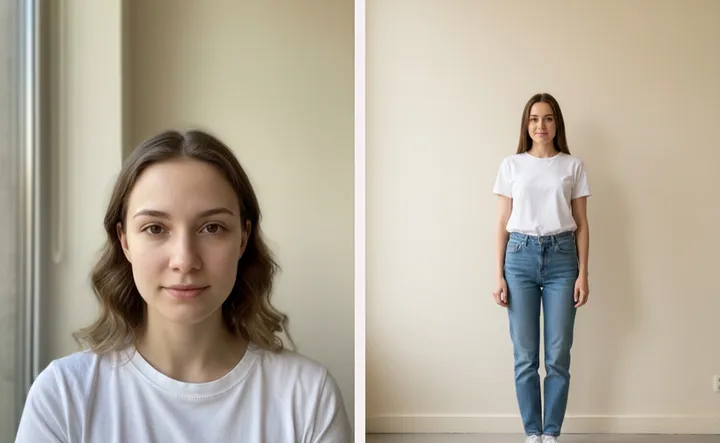
- Use daylight. Face a window, with no flash and no filter.
- Show your natural hair and face. Pull hair back if it's dyed far from your natural colour, and skip heavy makeup.
- Wear white or grey. A coloured top reflects onto your skin and skews the result.
- Compare. Hold clothes of different colours under your chin in the same light and see which ones even out your skin.
Or let Flamingo read it. Add your selfie when you make your twin, and while the twin is being built the app shows your season and five best-colour swatches. Your profile keeps them, along with your undertone.
How accurate is colour analysis from a photo?
Good enough to steer your shopping, less exact than an in-person session. Camera white balance, room light and filters all shift skin tone in a photo. If your result seems off, retake the selfie in daylight. A professional analysis with fabric drapes under controlled light is still the most reliable way to fine-tune a palette.
How do I use my colours when I get dressed?
- Wear your best colours near your face. Tops, scarves and collars matter most. Trousers and shoes can be neutral.
- Pick neutrals from your season. Warm seasons look good in camel, cream and brown, and cool seasons in grey, navy and pure white.
- Check before you buy. Try the piece on your Flamingo twin and see the colour next to your face.
Flamingo also uses your colours when it picks looks for you, favouring shades from your palette. To mix your colours in one outfit, read how to choose colours that go together.
Is it free?
Yes. Your colour season, undertone and best colours come with your free twin. Trying clothes on your twin needs Flamingo Pro. Make your twin on iPhone, Android or at app.tryflamingo.app, and read how to take the best photos for your avatar first.