 Flamingo
A digital wardrobe is a photo catalogue of the clothes you own, kept in an app so you can see everything at once. It sounds like extra work, but it pays off quickly. Most people wear a small part of what's in their wardrobe, mostly because they forget what's there or can't picture new combinations in the morning. With Flamingo, adding a piece takes a photo. The app cuts it out from the background and tags it, so your closet looks like a tidy shop instead of a camera roll. Once your clothes are in, Flamingo uses them every day: it suggests outfits made only from your pieces, chosen for the weather, and you can try any combination on your free AI avatar before you get dressed. You don't need to photograph everything on day one. Twenty pieces you wear often is a good start.
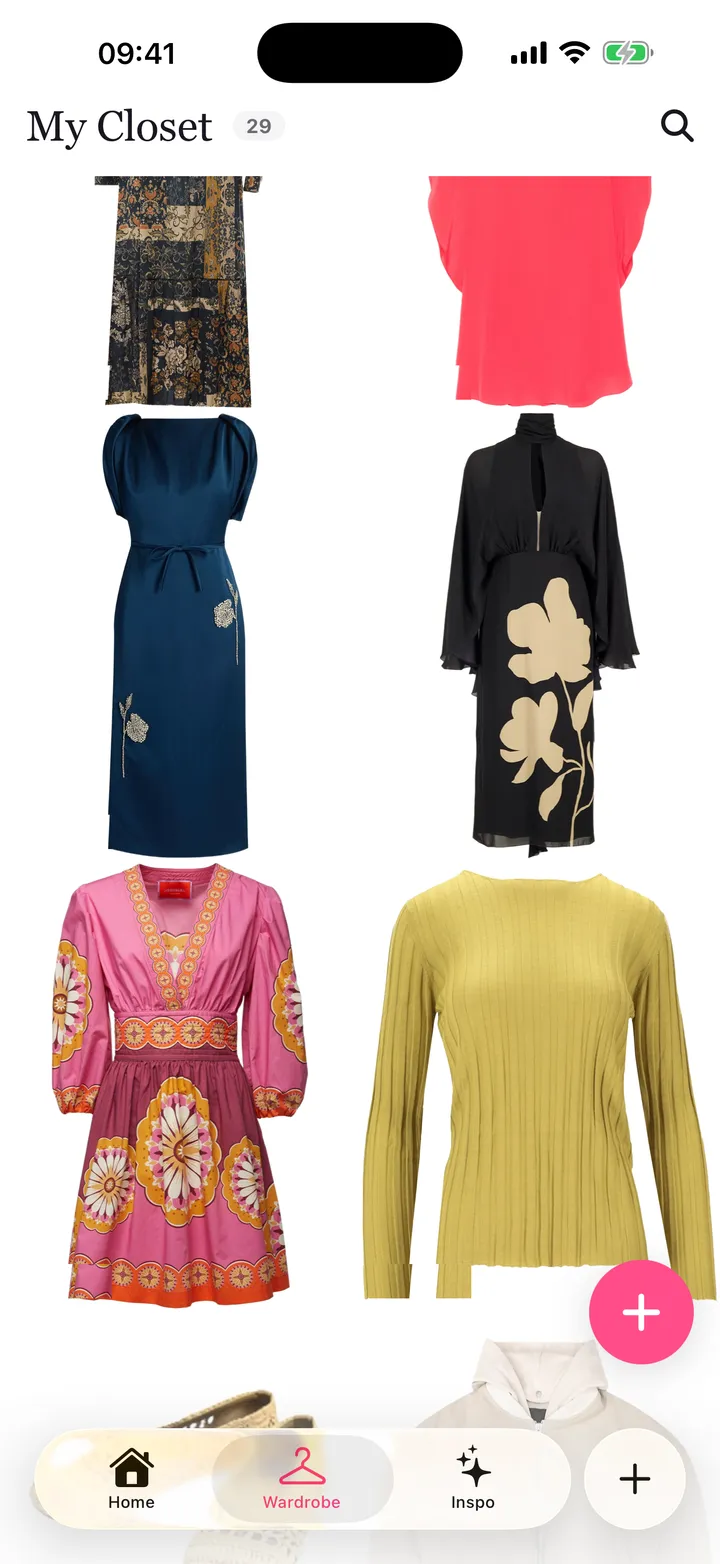
Step 1: start with what you wear most
Open your wardrobe and take out the pieces you wore in the last month: jeans, trousers, your main jackets, the tops you reach for and your everyday shoes. These give Flamingo enough to make real outfits straight away.
Step 2: photograph each piece
In Flamingo, open Wardrobe, tap Add and take a photo, or choose one you already have. Lay the piece flat or hang it against a plain wall in good light. Flamingo removes the background and tags the piece for you.
Step 3: add the rest over a week
Add a few pieces each evening instead of doing everything at once. Seasonal items, occasion wear and accessories can come later. You can also add pieces from the catalogue in the app if you're thinking of buying them.
Step 4: let it suggest outfits
With your closet in, the AI outfit planner gives you a daily pick for the weather. When you have somewhere specific to be, the outfit generator builds a look for the occasion, such as work, a date or a wedding.
Step 5: try combinations on your avatar
Make your free AI avatar from a selfie and a head-to-toe photo, then try outfits from your closet on it. This is the easiest way to test combinations you've never worn together.
What changes after a few weeks
You start noticing gaps and duplicates. You see that you own four similar black tops and no light jacket. Next time you shop, you buy what's missing instead of another copy of what you already have.
Read more about the digital wardrobe in Flamingo, or get started on iPhone or at app.tryflamingo.app.